Send a Message
Last updated: March 20, 2026
Send a custom message with your payment
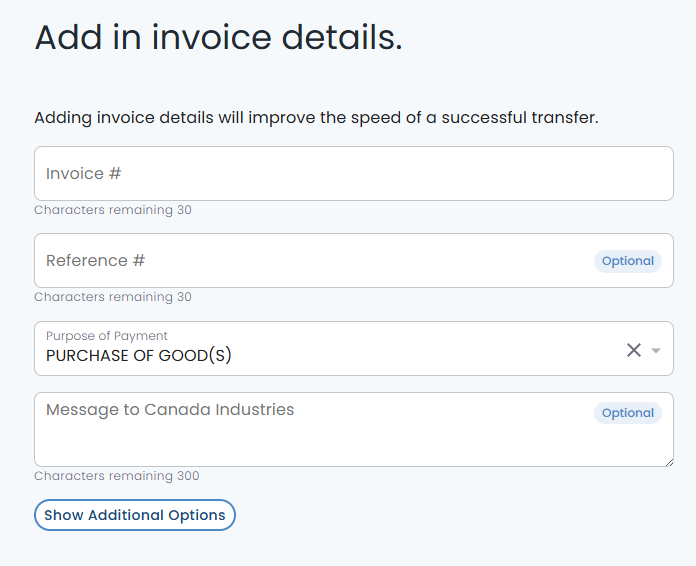
Custom messages can be sent along with a payment to internal members of your organization or to the recipients that you are paying on the "Invoice Details" page.
Select the "Show Additional Options" button
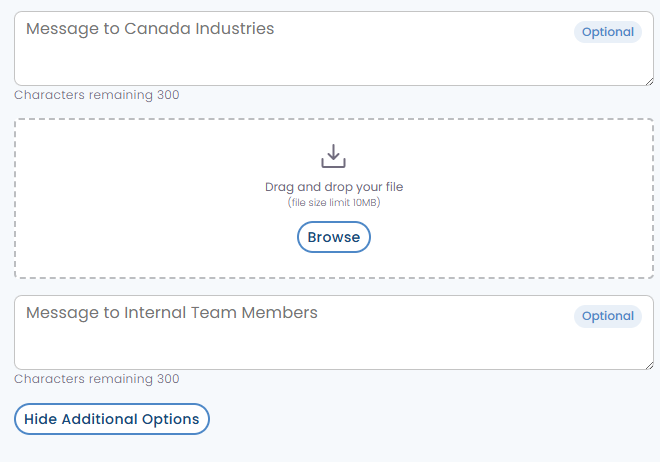
Message to External Party
Simply check the box to open a field and type in your message.
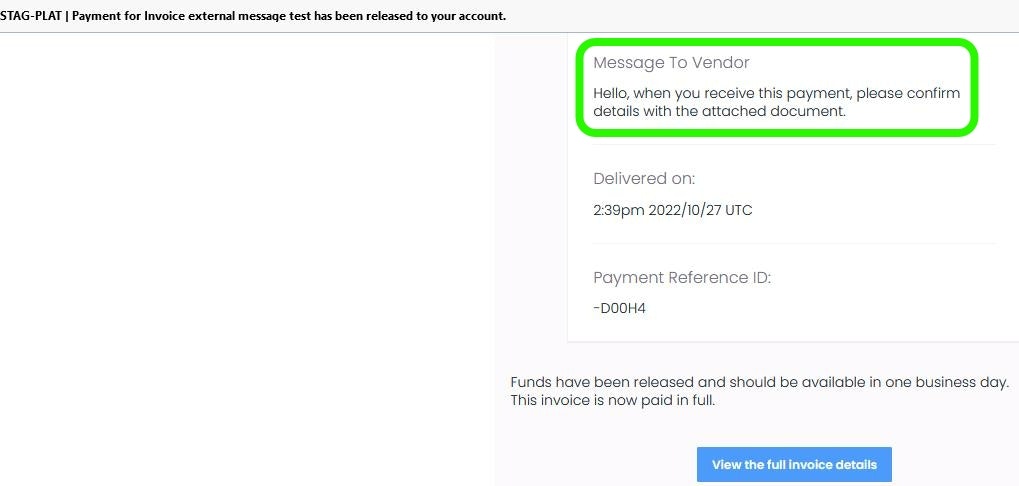
View Message
Users can send messages to the recipient/payor, who will receive the message in an email. If the recipient has created a PayRecs login, they will also see the message in the details of the payment.
Message to Internal Team Member
Simply check the box to open a field and type in your message.

Preview Message
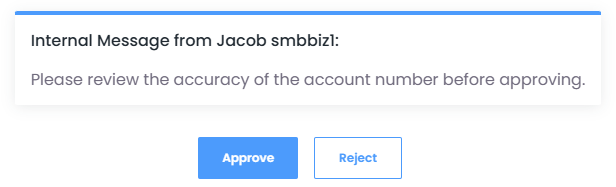
Users can send messages to internal employees when initiating a payment. This will appear in email notifications as well as when approving the payment for users that have the permission to approve payments.